To remove an email account from the iPhone Mail app, follow the step-by-step instructions below:
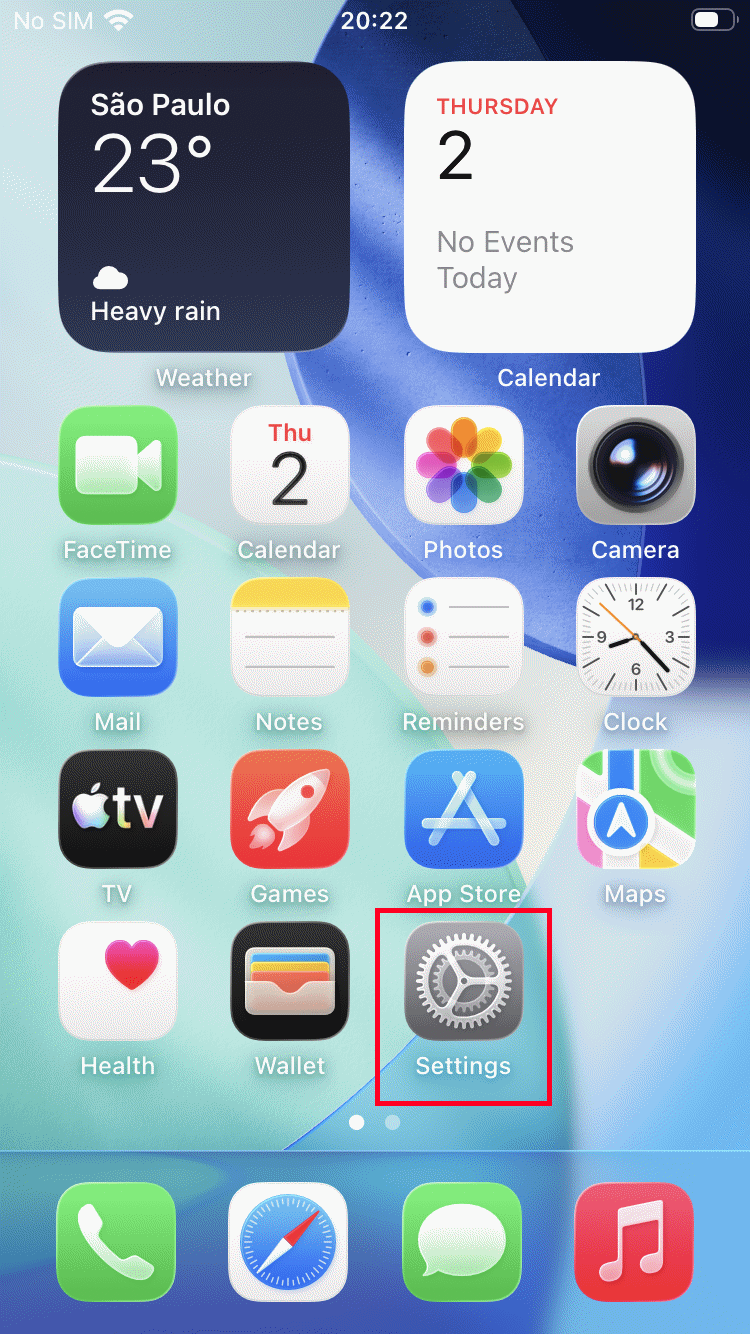
Open the "Settings" app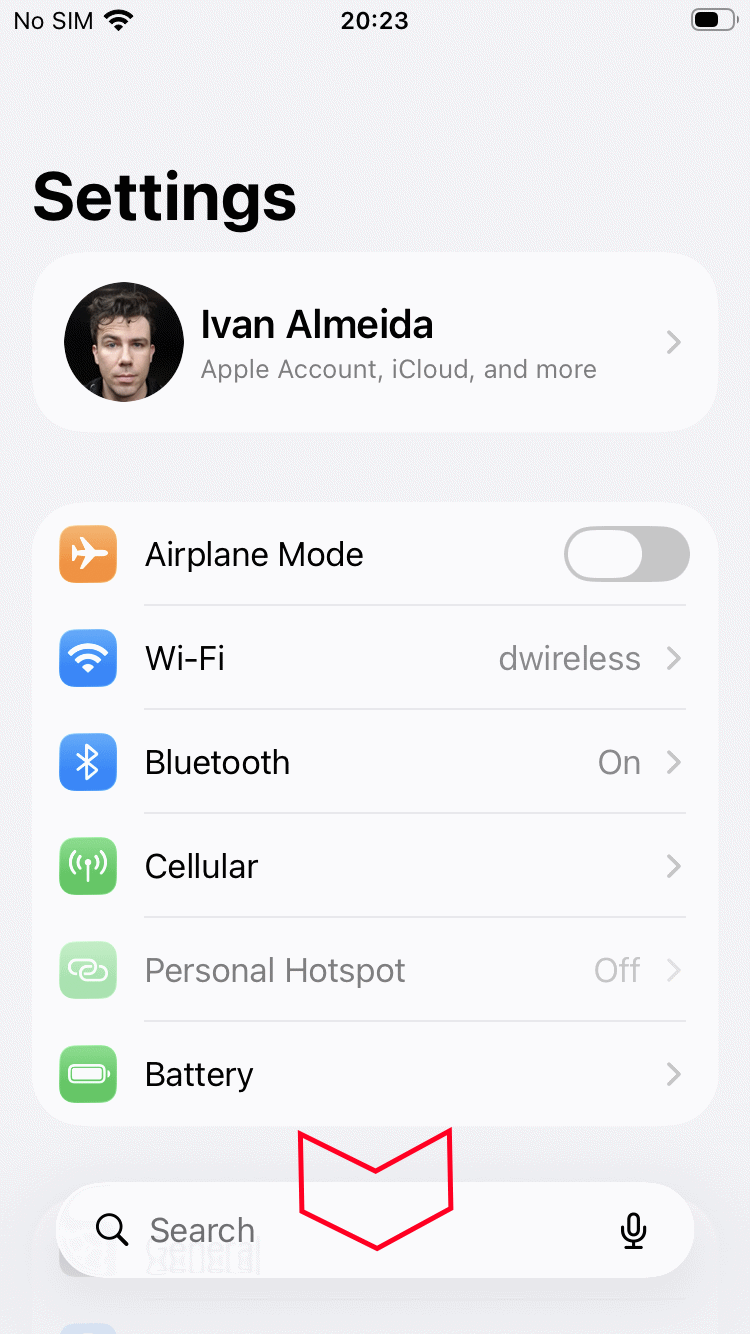
Scroll down to the "Apps" menu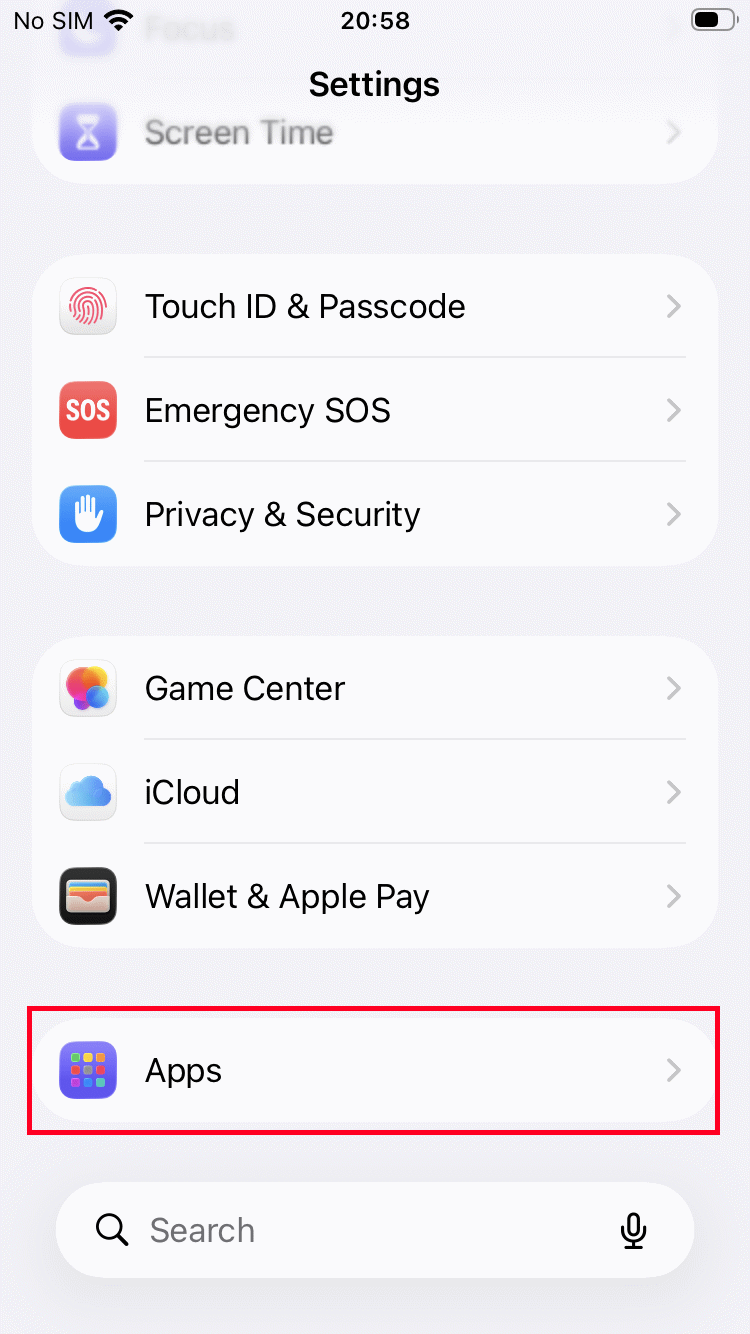
Select "Apps"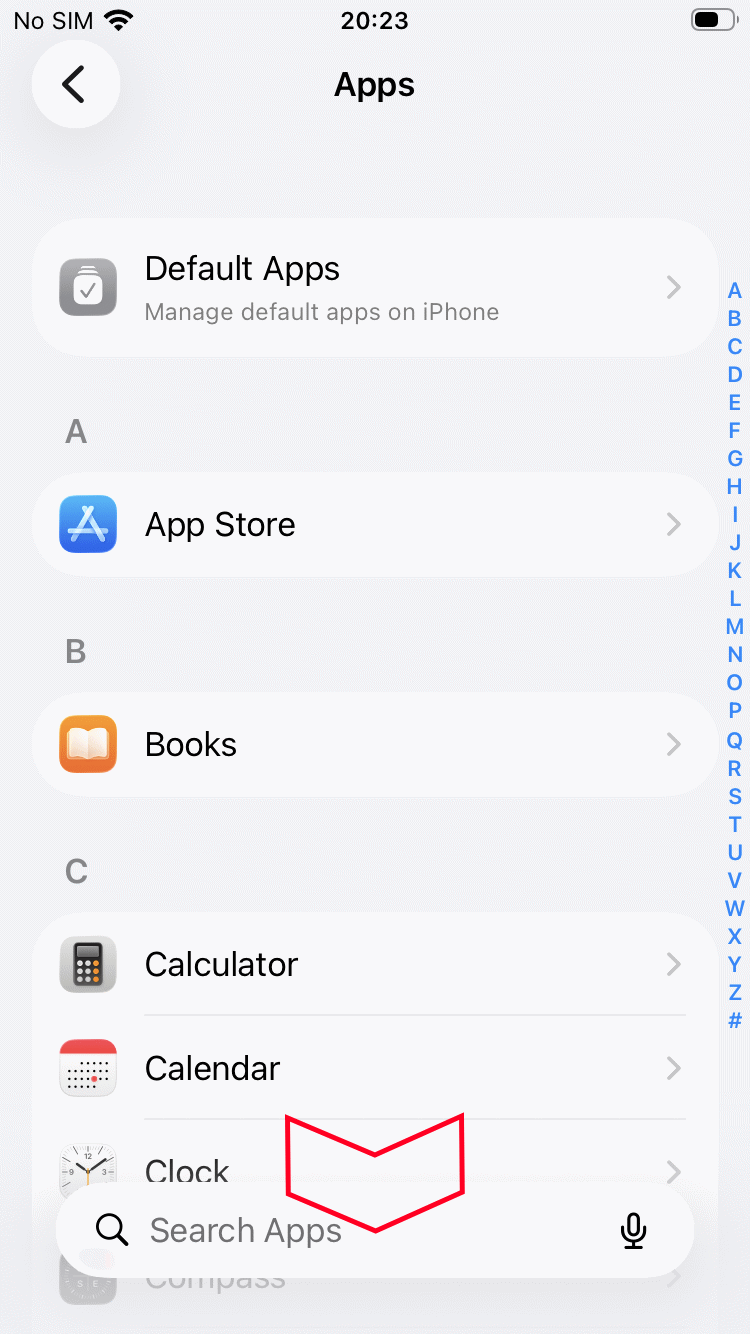
Scroll to the "Mail" item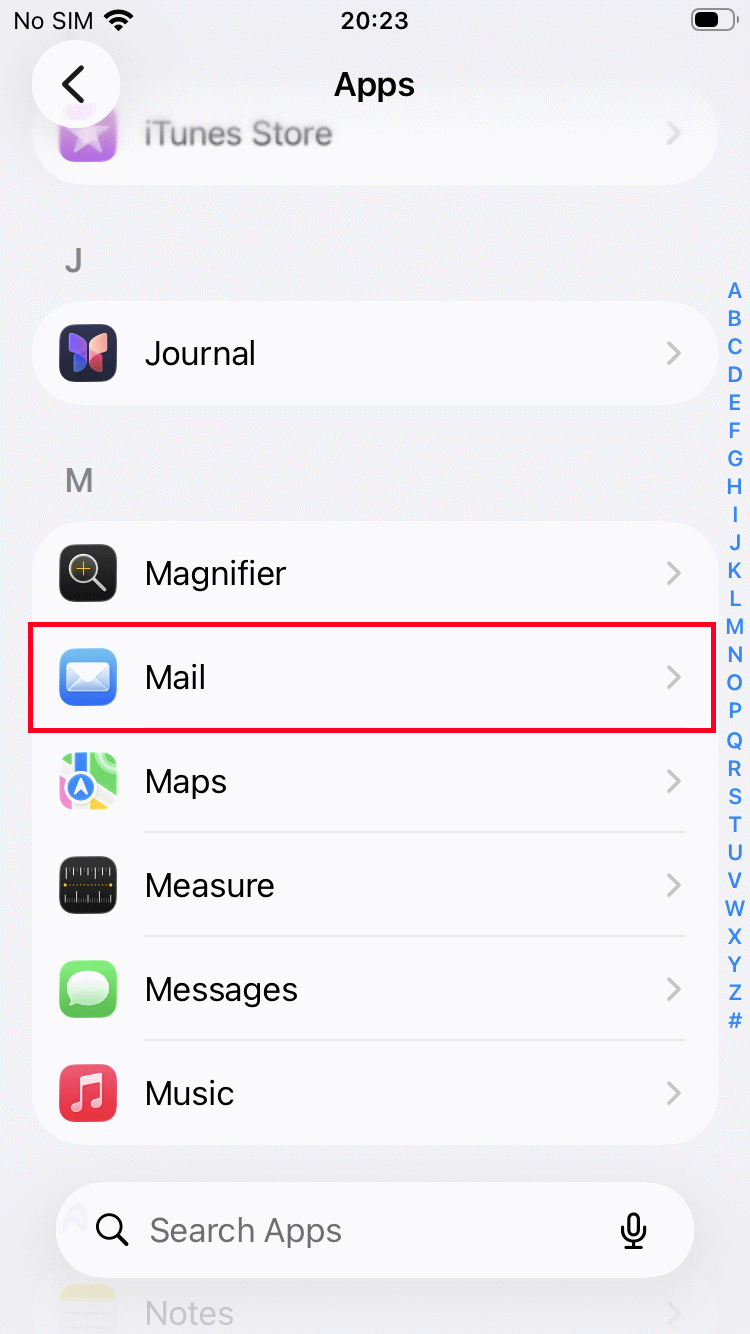
Select "Mail"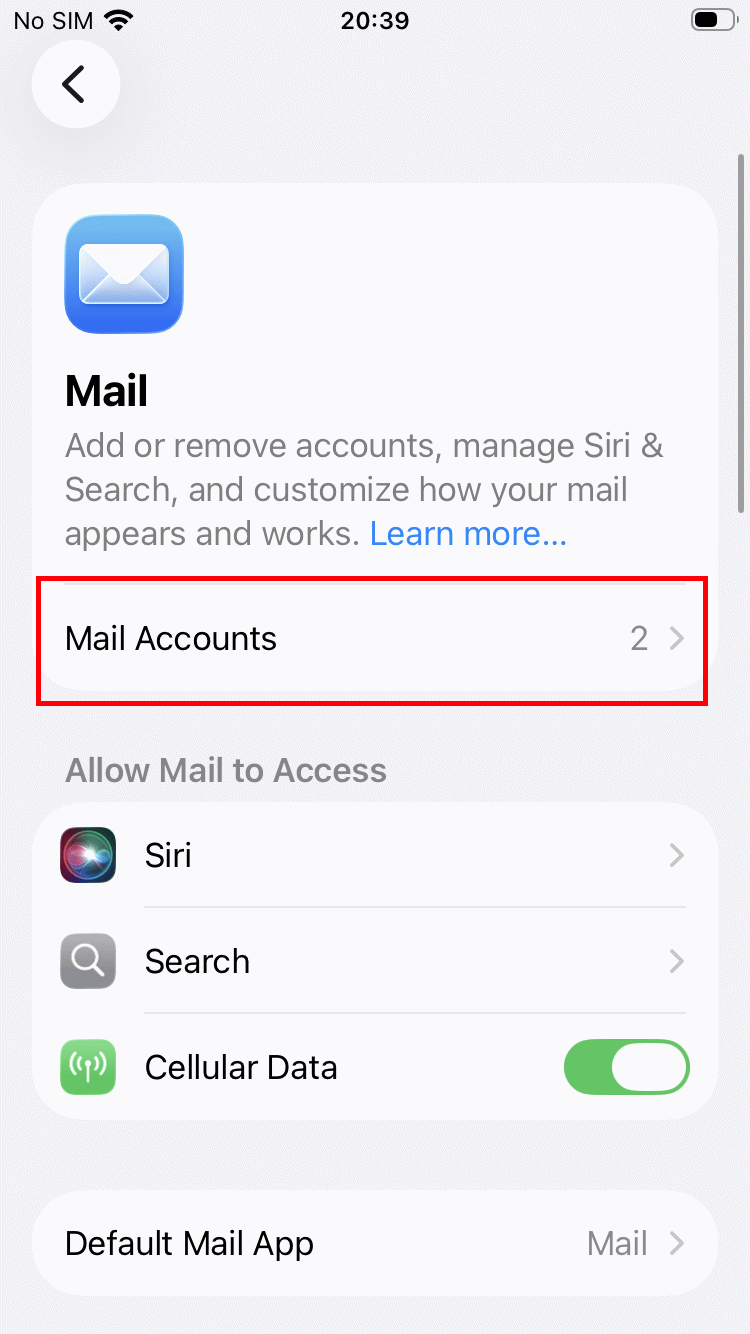
Select "Email Accounts"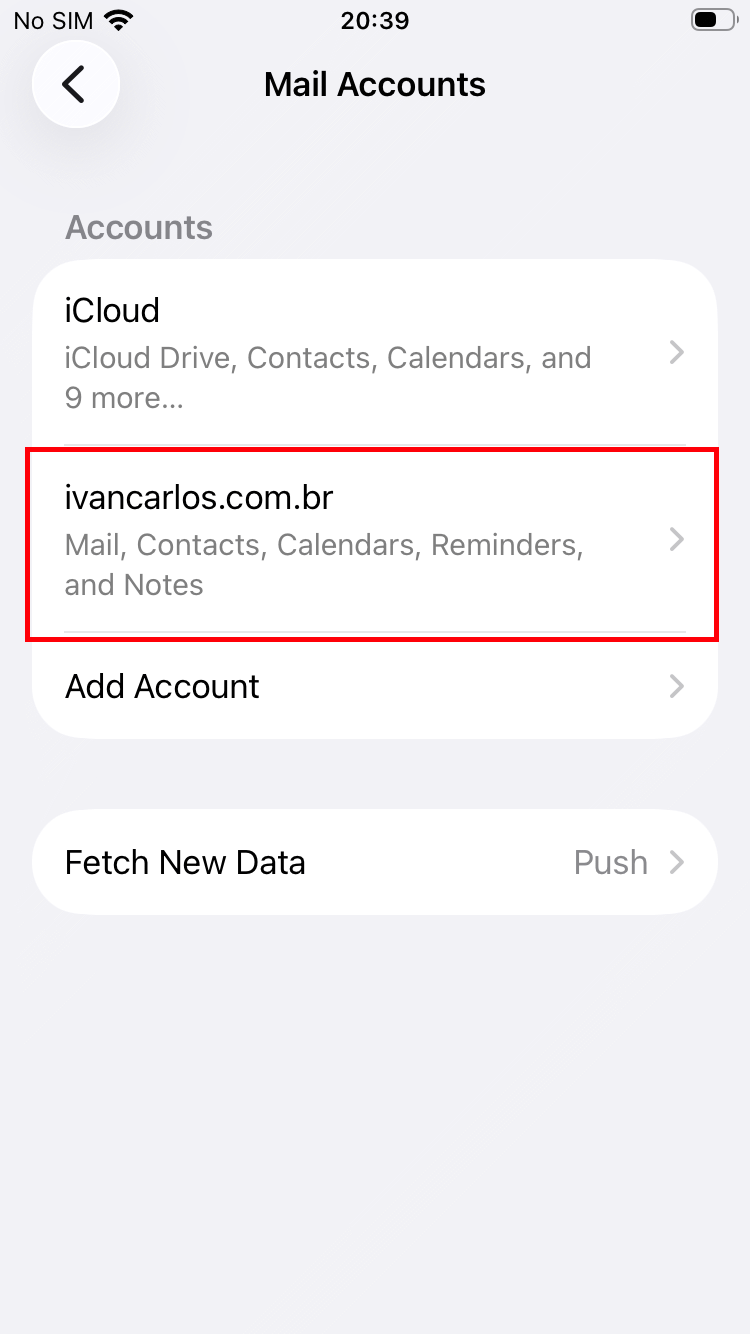
Select the email account you want to delete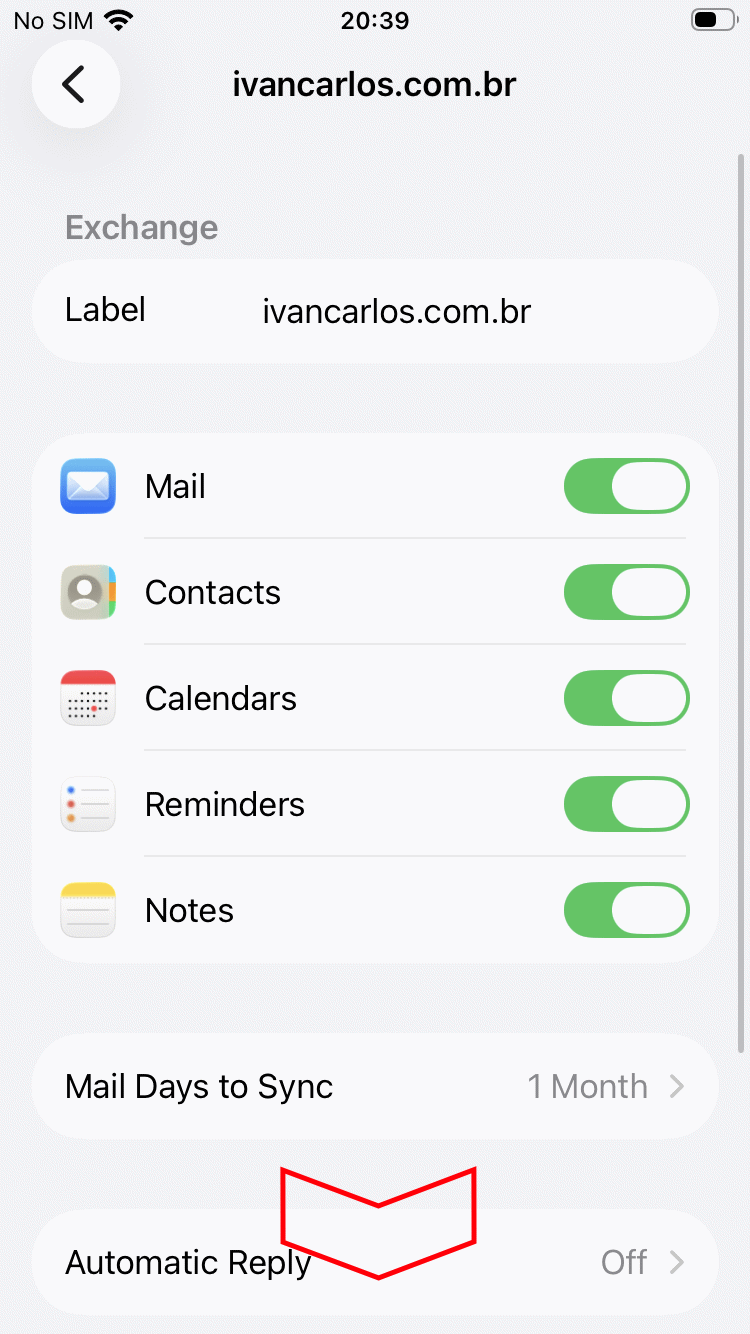
Scroll the page to the "Delete Account" option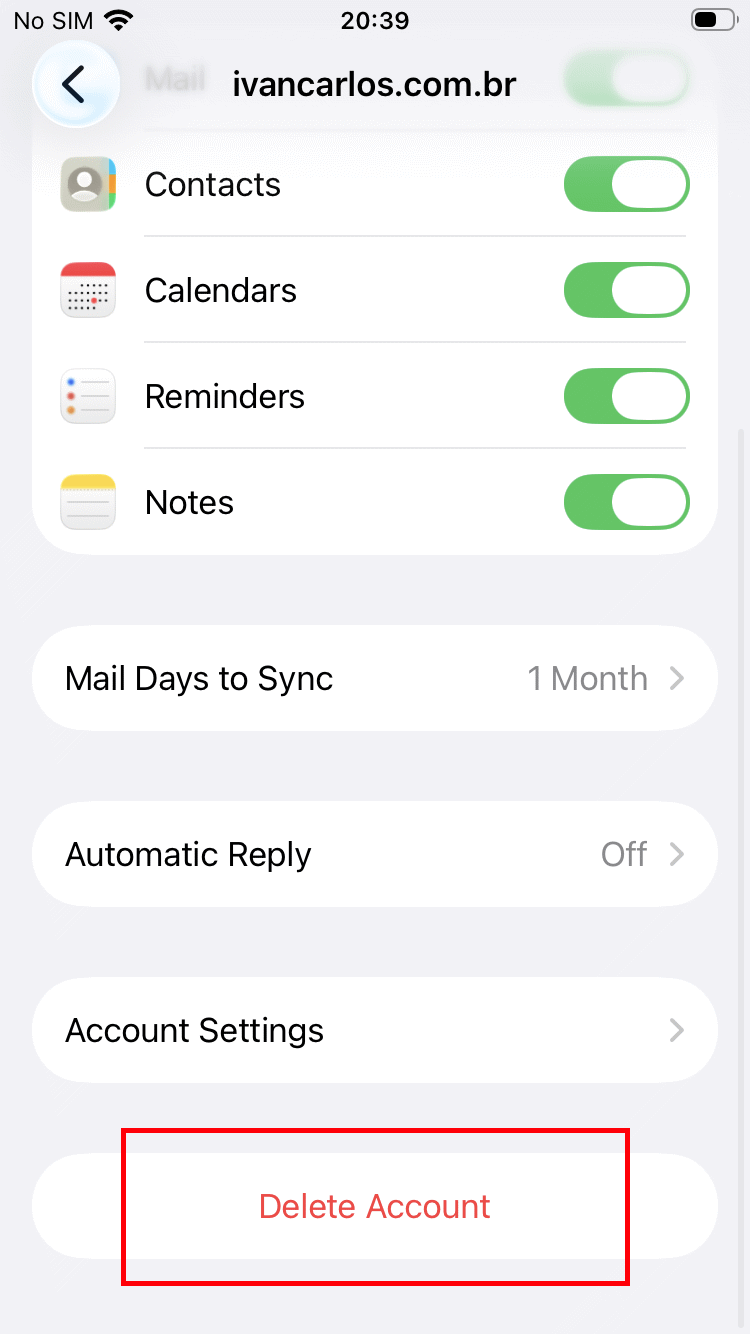
Select "Delete Account"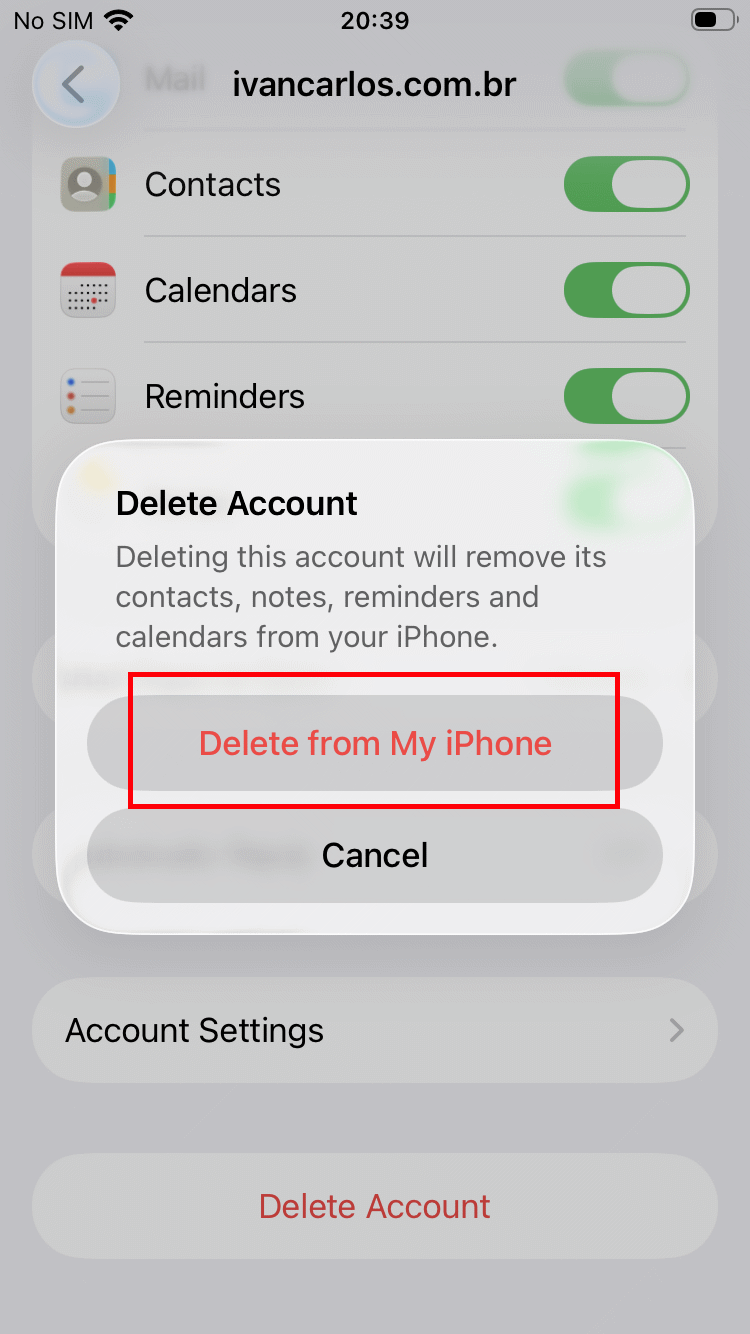
Select "Delete from my iPhone"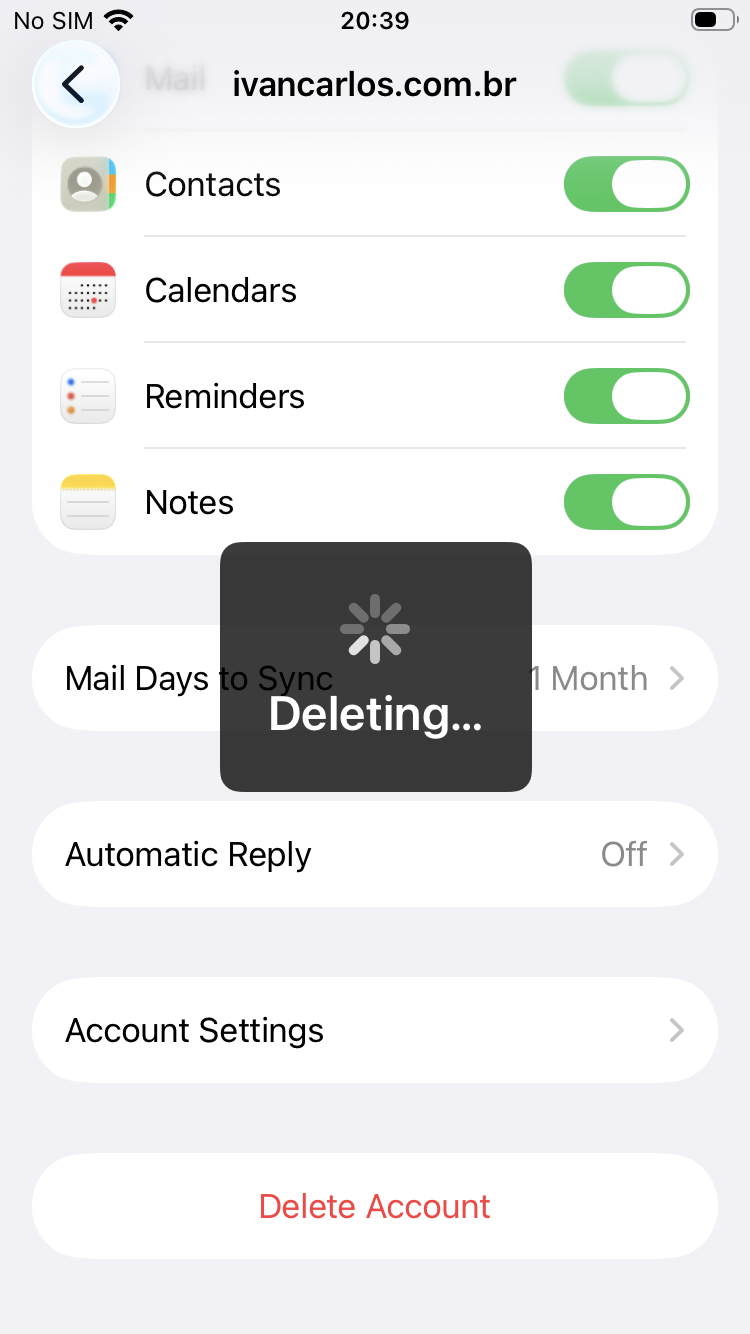
Wait for the deletion process; the time varies depending on the amount of data stored on your device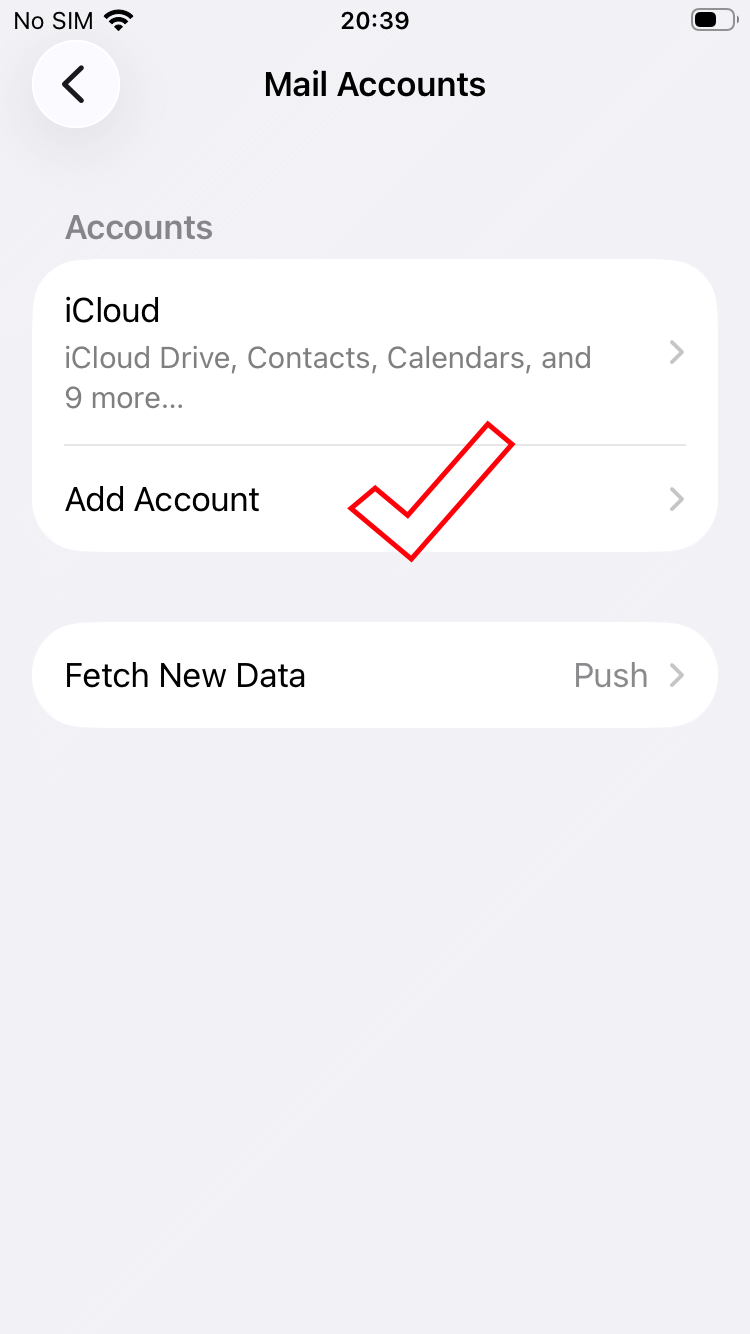
Done, account removed!Thank you!
